
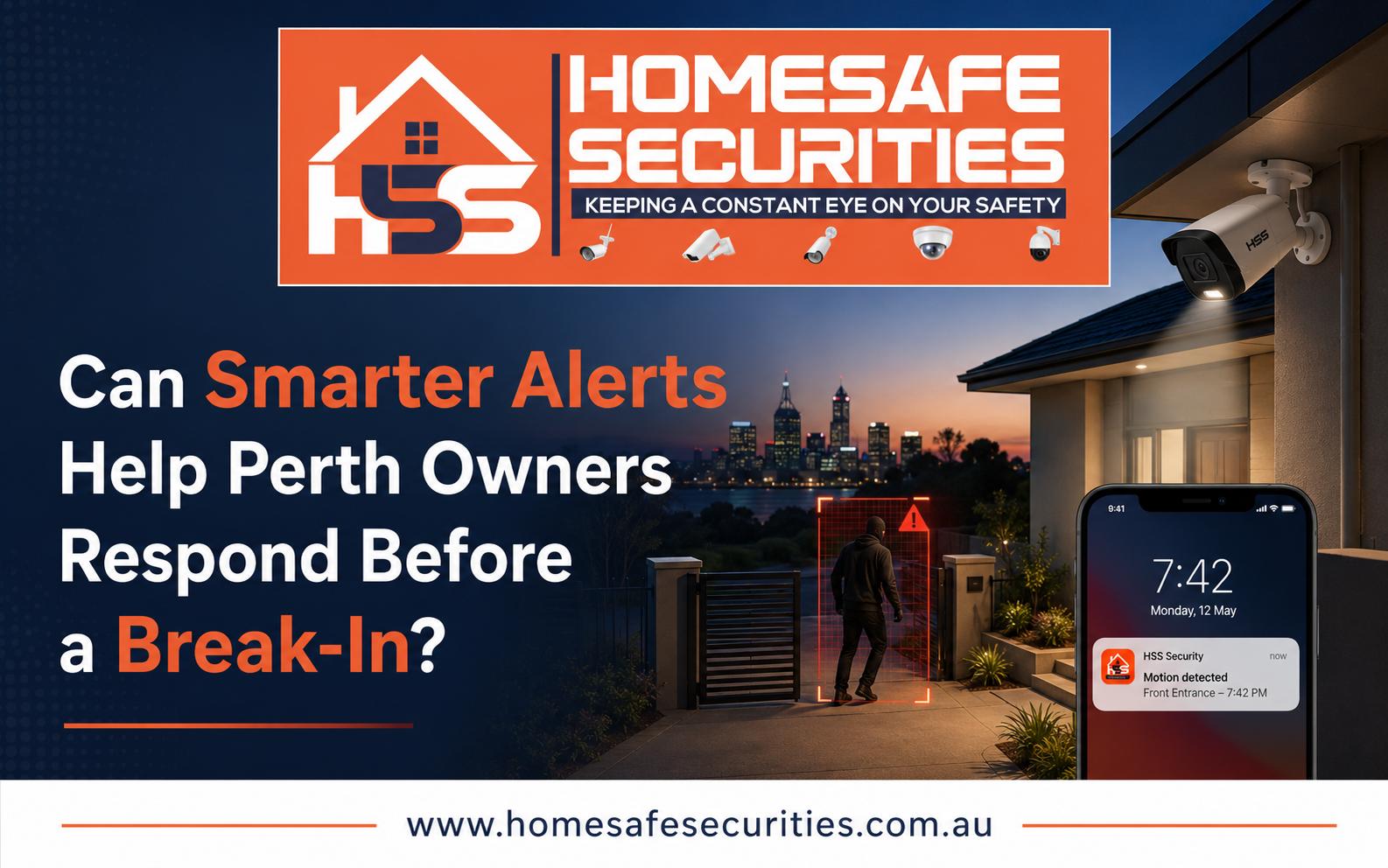

A camera is useful when it helps someone notice meaningful activity. Traditional recording provides evidence after an event, while smarter alerts can draw attention to movement around a gate, driveway, doorway or restricted area as it happens. A carefully configured cctv installation perth setup can therefore support earlier awareness, but alerts must be designed around the property rather than switched on with default settings.
Smart alerts do not predict crime or guarantee that an incident will be prevented. Their practical value is reducing the time between unusual activity and owner awareness. That may allow the owner to check live video, speak through an intercom where available, contact a neighbour, notify site staff or call the appropriate emergency service.
What Is a Smart Camera Alert?
A smart alert is generated when a camera or recorder detects a defined event. Basic systems may react to any movement, while advanced options may distinguish people or vehicles, detect a virtual line crossing or monitor a selected zone.
Performance depends on the equipment and scene. A feature that works at a clear entrance may be less reliable beside moving trees, reflections or a busy road.
Common Alert Types
Depending on the system, property owners may use:
- Motion detection within a selected area
- Human or vehicle classification
- Line-crossing alerts at gates or boundaries
- Intrusion-zone alerts around sheds or yards
- Loitering or dwell-time alerts
- Doorbell notifications
- Camera-offline or video-loss warnings
- Storage or recorder fault notifications
Not every property needs every feature. A small home may benefit from person alerts at the front door and side gate, while a warehouse may need scheduled alerts around a loading zone after closing.
Why Default Motion Detection Often Fails
Basic motion detection looks for changes in pixels. It may react to tree branches, headlights, insects, rain, shadows or a neighbour’s movement at the edge of the frame. When a phone receives dozens of irrelevant notifications, the user can become frustrated and stop checking them.
This is known as alert fatigue. It turns a potentially helpful feature into background noise. The solution is not necessarily to disable alerts completely. Better camera placement, smaller detection zones, adjusted sensitivity and more suitable schedules can make notifications more useful.
Signs Your Alerts Need Adjustment
Review the configuration when:
- Notifications arrive constantly during normal activity
- The same tree or road traffic causes repeated triggers
- People enter the property without generating an alert
- Alerts arrive too late to understand what happened
- The preview image does not show the triggering subject
- Night-time alerts are dominated by insects or glare
- Different family members receive inconsistent notifications
Testing should include daytime, night-time and common weather conditions.
Focus Alerts on Decisions, Not Movement
The best alert helps someone decide what to do. “Camera 3” is less useful than “Side Gate” with a clear image and correct time. Each alert should connect to a practical action.
For example, a person detected at the front path during the afternoon may be normal. The same event at a locked side gate after midnight may deserve attention. Schedules and zones allow the system to reflect this difference.
During security camera installation perth planning, discuss which areas are private, which routes visitors normally use and which events would be unusual. The installer can then focus alerts on genuine risk points instead of covering every moving object.
Build a Simple Response Plan
A household or business can decide in advance:
- Who receives each type of alert
- Who checks live and recorded video
- When an alert should be ignored
- When to contact another authorised person
- When to call police or emergency services
- How to save relevant footage
- How to avoid confronting an unknown person
A response plan should prioritise personal safety. Camera footage can inform a decision, but owners should not put themselves in danger.
Camera Placement Still Comes First
Software cannot fully correct a poor view. If the subject is too far away, hidden behind a vehicle or strongly backlit, the alert may not provide enough detail. A camera should first capture a useful scene; smart detection is an additional layer.

Entry cameras should usually show an approaching person before they reach the door. Side-access cameras should cover the route rather than only the final gate. Driveway views should consider parked vehicles, headlights and the direction from which people enter.
Placement Factors That Improve Alerts
Useful alert performance may depend on:
- A stable camera that does not move in the wind
- Enough subject size within the image
- Limited glare and strong backlighting
- Clear separation between the target zone and public areas
- Suitable night lighting or infrared performance
- A view that is not regularly blocked
- Clean lenses and trimmed vegetation
These details are often more important than choosing the highest sensitivity setting.
Internet and App Access Matter
Mobile alerts depend on the recorder, network and internet connection. Local recording may continue during an outage, while remote alerts or live viewing may stop, depending on the system. Owners should know where network equipment is located and what happens after a power interruption.
Change default passwords, limit access to authorised users and enable multi-factor authentication if supported. Remove former employees, contractors or household members promptly.
Avoid Treating Alerts as a Complete Security Plan
Smart notifications work best with locks, gates, lighting, alarms and intercoms. Cameras provide visibility and evidence, while alerts can prompt faster review.
Owners should also consider privacy. Detection zones should avoid neighbouring windows and private areas wherever possible. Audio features require particular care, and commercial users may have additional obligations when monitoring staff, customers or visitors.
Test the System Regularly
An alert setup should be reviewed after installation and whenever the environment changes. A new fence, tree growth, parked caravan or altered lighting can affect detection. App updates, changed phone settings and new network equipment may also influence notifications.
A practical test involves walking through each important route day and night. Confirm that the correct phone receives the alert, the camera name is clear, the image is useful and playback opens correctly. Repeat the test after major property changes.
A Regular Alert Check
Every few months:
- Trigger each important detection zone
- Confirm the date, time and app permissions
- Review user accounts and passwords
- Clean lenses and test playback
- Adjust zones affected by plants or traffic
A check can reveal problems before an urgent event.
Why Choose HomeSafe Securities?
HomeSafe Securities is a locally owned Perth company providing tailored CCTV, alarm and intercom solutions for homes and businesses. Its licensed technicians assess access points, lighting, camera angles, recording needs and alert priorities before installation and handover. Choosing HomeSafe for security camera installation provides transparent recommendations, equipment options from recognised brands, careful configuration, mobile-viewing assistance where available and workmanship warranty support.
Smarter Alerts Are Useful When They Stay Relevant
Smart alerts can help Perth owners notice unusual activity sooner, but only when the camera view, detection zone, schedule and response plan work together. Too many alerts create noise; poorly placed cameras create uncertainty. A professionally planned and regularly tested system gives notifications a clear purpose and helps owners respond safely, calmly and with better information.